California pet microchips can help shelters and veterinary teams reconnect lost animals with their families. However, the chip is only one part of that process. Someone must be able to connect its identification number with accurate contact information.
Los Angeles County Animal Care and Control reports finding microchipped pets whose owners could not be reached because their details were outdated or the chip had never been registered.
A useful check goes beyond confirming that your dog or cat has a chip. Find out where its number is registered, who is listed as the contact, and whether that person can still access the account. Resolving these gaps is easier while your pet is safely at home.
Understand What a Pet Microchip Actually Does
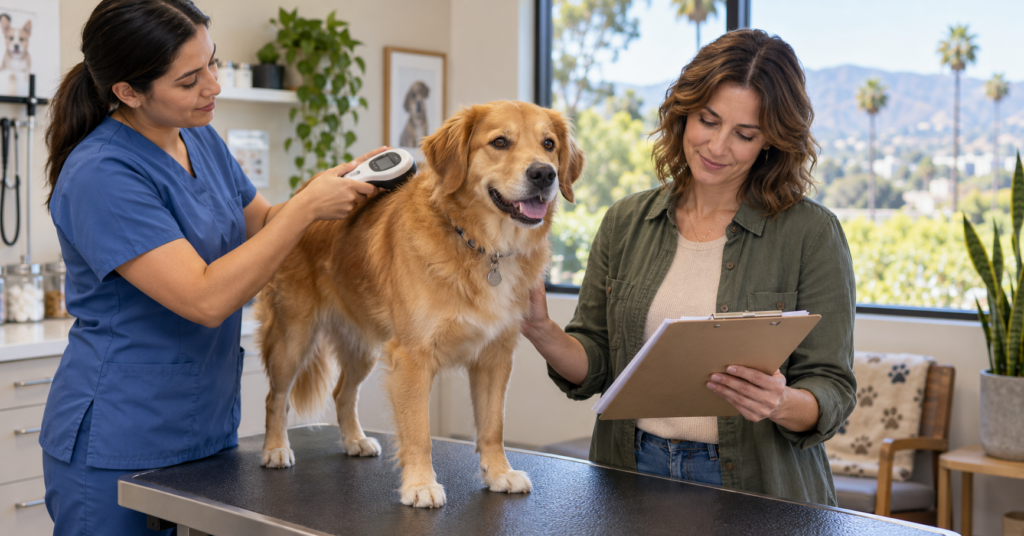
A pet microchip contains an identification number that a compatible scanner can read. That number helps animal care professionals locate a registry and contact the person associated with the animal.
It is not a GPS tracker and does not show where your pet is traveling. The American Veterinary Medical Association also explains that the United States has multiple registration databases rather than one central registry.
This makes two separate checks important: whether the chip can be read and whether the linked registration is useful.
A scan answers the first question. Accessing the registry record or speaking with its support team answers the second. A successful scan alone does not establish that your current phone number is on file.
Find and Verify the Microchip Number
Look for the number in adoption paperwork, implantation records, or veterinary documents. Keep it in a clearly labeled pet record rather than relying on an old email you may struggle to find later.
If you cannot locate it, ask a veterinary clinic or shelter about arranging a scan. AVMA recommends having a veterinarian check the chip at least annually to confirm that it remains detectable and readable.
Compare the scanned number with your paperwork. If they differ, ask staff to help establish which number belongs to the animal before editing any account.
For households with several pets, maintain a separate record for each one. Include the pet’s name, a current photograph, and the chip number to reduce the chance of mixing up documents.
Identify the Registry Before Trying to Update Details
The American Animal Hospital Association provides a microchip registry lookup tool that can help identify which participating registry holds information associated with a chip.
The lookup does not display owner contact details or allow you to change them. Updates must be made with the registry itself. If several results appear, AAHA advises starting with the most recent registry listed and contacting the others as needed.
A missing result does not necessarily establish that no registration exists. AAHA explains that its tool searches participating registries, so contact the organization named in your original paperwork if the lookup does not resolve the question.
Once you find the correct account, save the registry’s name and contact information with the chip number. This avoids repeating the search during an urgent situation.
Confirm Registration After Adoption or Rehoming
Ask the shelter, rescue, or previous keeper what registration work has already been completed and what remains your responsibility.
Useful questions include whether the chip has been registered, whether your contact information was submitted, and whether you need to accept an invitation or complete a transfer process.
Do not treat a document saying “microchipped” as confirmation that every administrative step is finished. AVMA advises adopters to obtain the chip number and ensure it is registered in their name.
If the existing account belongs to someone else, contact the registry about its transfer procedure. Ask which adoption or transfer documents it needs, and retain the confirmation when the process is complete.
Avoid creating conflicting records simply because you cannot access the original account. Resolve the account issue through the registry and the organization that arranged the adoption.
Update Contact Details After Everyday Changes
A move is an obvious reminder to review pet records, but changing a phone number or losing access to an email address can create the same problem.
Los Angeles County recommends checking the phone number, address, and email associated with the chip and adding an emergency contact.
Review the information from the perspective of someone trying to reach you unexpectedly.
| Record detail | What to check |
|---|---|
| Primary phone | You still use it and can receive calls |
| Email address | You can sign in and receive account messages |
| Home address | It reflects your current residence |
| Alternate contact | The person has agreed to help and remains reachable |
| Pet description | The information identifies the correct animal |
| Account access | You can recover or reset the login if necessary |
After saving changes, reopen the record or request confirmation. Keep a dated copy so you know when the information was last reviewed.
Keep Licensing, Veterinary Records, and Registration Separate
A microchip record, a local pet license, and a veterinary patient file serve different purposes. Do not assume that changing one automatically updates the others.
Los Angeles County describes microchipping, identification tags, and licensing as complementary ways to help identify pets and connect them with their families.
When moving within California, contact the animal services agency responsible for your new address about local licensing requirements. Separately update the microchip registry and your veterinary clinic.
Maintain a short checklist showing which organization has received the new information. This is especially useful when several household members share pet-care responsibilities and each assumes someone else completed the updates.
Clarify Registration Charges and Optional Features
If a registration screen requests payment, establish what the charge covers before deciding.
Ask whether it relates to initial registration, an ownership transfer, an optional service, or another account feature. Also confirm whether declining an optional feature affects the storage or updating of your core contact information.
Keep the distinction between implantation and registration in mind. Los Angeles County’s adoption information, for example, lists a microchip charge separately from registration in a chip database.
Save the receipt and any explanation of ongoing charges. If you receive a renewal message later, compare it with those terms instead of assuming it means the implanted chip has stopped working.
Add Microchip Records to Your Emergency Pet File
California households preparing for wildfire evacuations or other disruptions should make pet identification records accessible away from home.
Los Angeles County recommends keeping the microchip number and registry information with vaccination records, licensing documents, photographs, and other important pet paperwork. It also advises identifying both a local emergency contact and someone outside the area likely to be affected.
Keep a protected paper copy with your pet’s emergency supplies and a digital copy you can retrieve from another device.
Discuss the plan with the people named as contacts. They should know which animal the information concerns and how to reach you or another household member if normal communications are disrupted.
Know What to Do if Your Pet Goes Missing
Contact the microchip registry promptly to report the pet missing and verify the contact information it will use. San Diego Humane Society recommends this alongside regularly checking shelter listings for found animals.
Continue contacting the appropriate local shelters and following their lost-pet reporting procedures. A microchip cannot alert you to an animal’s location without someone finding and scanning it.
Keep a recent photograph ready for reports and notices. Maintain visible identification as well: Los Angeles County notes that a current collar tag can let a finder contact an owner without first arranging a scan.
The most useful routine is straightforward: confirm the chip number, verify the registration, and review the details whenever your household’s contact information changes.
Note: Microchip registry procedures and local pet requirements vary. Confirm account updates directly with the registry and check licensing questions with the animal services agency serving your address.